What you actually need
The shopping list is shorter than the till industry would have you believe. The whole stack is software plus the devices a café already owns:
- Reliable internet, and Wi-Fi that reaches the tables and the kitchen — the system lives in it.
- The phones already in your waiters' pockets, or one shared device at the counter.
- One screen for the kitchen: a tablet nobody is using, or an old laptop that still opens a browser.
- The card terminal you already have — none of this replaces it.
- A computer in the venue, only if you want to print to a kitchen printer.
- Something for yourself: a phone or laptop for the panel, the reports and the menu.
The setup order that works
Do it in this order and each step takes minutes; do it out of order and the menu gets typed twice. Each step depends on the one before it:
- 1Choose the software and create the venue's account — everything else hangs off this.
- 2Build the menu: categories first, then items with prices, then photos if you want them. This is the long part; allow an afternoon.
- 3Lay out the room: the tables and the areas they sit in.
- 4Create the staff: a login for yourself, a PIN for each waiter, and a kitchen login if the kitchen gets a screen.
- 5Put the devices on it — waiters sign in on their phones, the kitchen screen signs in once and stays signed in.
- 6Run one test order from table to kitchen to bill, paid in cash, before the first real customer.
- 7If you print, connect the printer and run a test ticket — before service, not during it.
What changes on the floor
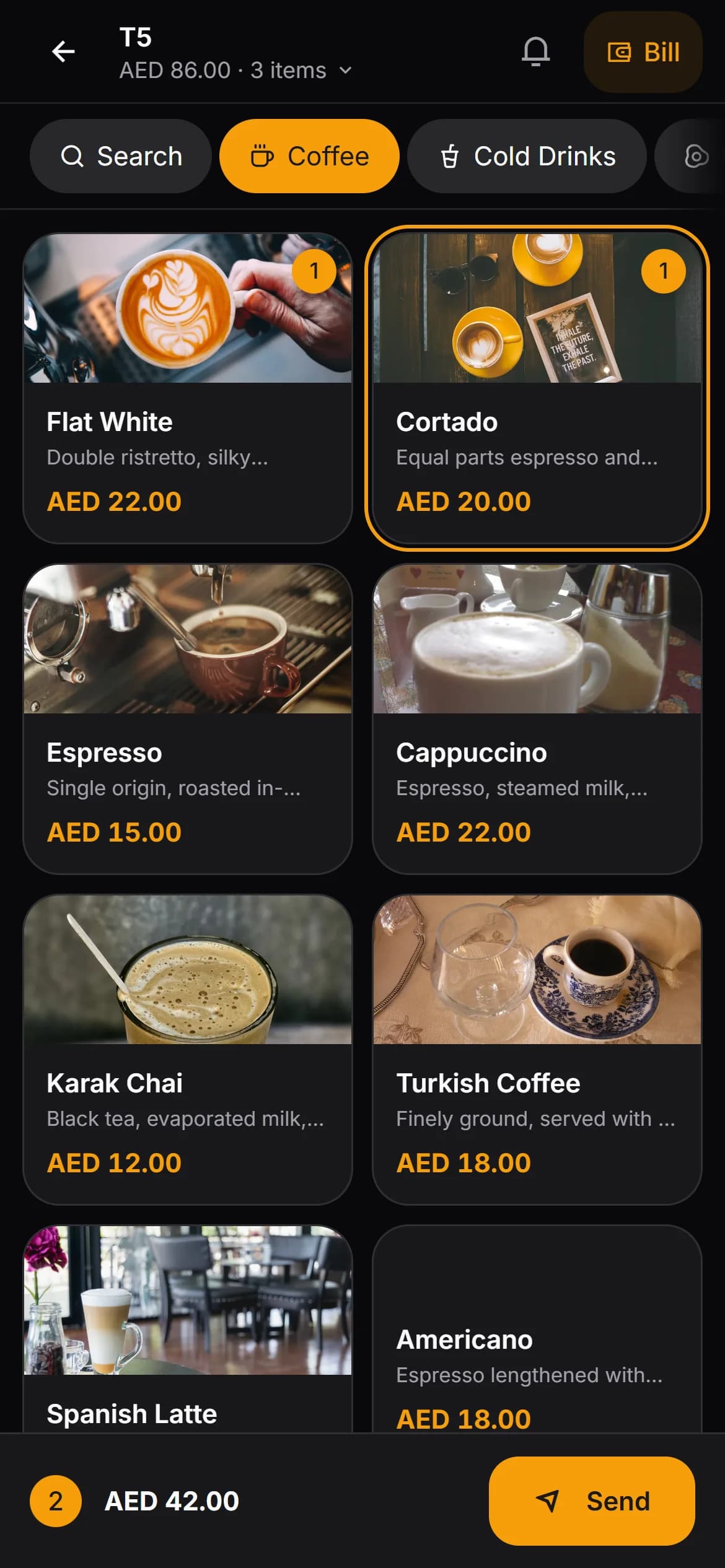
The terminal queue disappears. Orders are taken where the guests sit and appear in the kitchen immediately; nobody walks an order across the room, and nobody retypes it at a till.
The bill stops being a place and becomes a thing attached to the table: whatever device asks for it sees the same items, the same payments, and what is still due.
The counter keeps its old jobs. Cash sits in a drawer, the card terminal sits next to it, and the software's job is to keep the record straight rather than take the money.
The gains and the costs, side by side
Hardware-free is a trade, not a free lunch, and both columns are true at once:
| What you gain | What it costs you | |
|---|---|---|
| Devices | No terminals to buy, replace or repair — screens and phones you already own | Those devices are consumer ones: a kitchen tablet faces heat and grease, and a phone in a pocket can be anywhere |
| Running cost | A subscription replaces a capital outlay; nothing to depreciate or insure separately | The subscription runs whether the month was good or not |
| Taking orders | Waiters order at the table, in a browser, on phones they already carry | Those phones must be charged, working and present — a dead battery is a missing till, and not every waiter wants to use their own |
| Payments | Your existing card terminal keeps taking the money | Card totals are reconciled by hand against the software's record at close |
| Connection | One Wi-Fi network carries every device; nothing else to wire | The whole service stops when the internet stops — no line, no orders |
None of these costs is hidden, and all of them are the reason the hardware exists in the first place. The question is only whether they cost you more than the hardware would have.
Who this does not suit
Some cafés should still buy the box. If the rules where you trade require a registered fiscal device at the till, browser software cannot replace that piece of hardware — check that before you plan around it, not after.
Very large rooms with many order points can outpace phones: a shared terminal at each station, or a fixed screen per section, may beat a phone in a pocket.
And if the connection is genuinely unreliable — drops every service, stays down for hours — a system that stops when the line stops is the wrong shape, whatever else it offers.
What about the kitchen printer and receipts
Printing is where hardware-free usually wobbles, and the answer is ordinary. Standard thermal receipt printers — the kind almost every make speaks — print for browser-based systems through a small bridge program running on a computer on the premises. That computer is the one piece of hardware the no-hardware café often ends up accepting, and it can be the laptop you already own.
Kafe360 is one instance of this whole pattern — waiters order in the browser on their own phones, the kitchen reads any tablet, printing to a standard network thermal printer runs through a small bridge program on a Windows PC in the venue, card payments are recorded rather than taken, and a year of the full system costs $249 after a thirty-day trial.
Keeping it running day to day
The day-to-day work is small but it is real, and it is mostly about the failures:
- A charging routine for the phones that take orders — a multi-slot charger by the till is the whole fix.
- One spare screen, even an old one, in a drawer for the day the kitchen tablet dies.
- A minute at close matching the card terminal's total against the record in the software.
- A fallback everyone knows: if the line drops, paper notes and a reconciliation afterwards.
- A test order after any change to the router, the Wi-Fi or the browsers.