Free, with no end date
A QR menu for your café, free for as long as you want it
Up to 500 items with photos, allergen filters and translations. Change a price at 11am and the next guest who scans sees it. No card, no trial clock, no sales call.
108 venues on Kafe360 run on the free plan today.
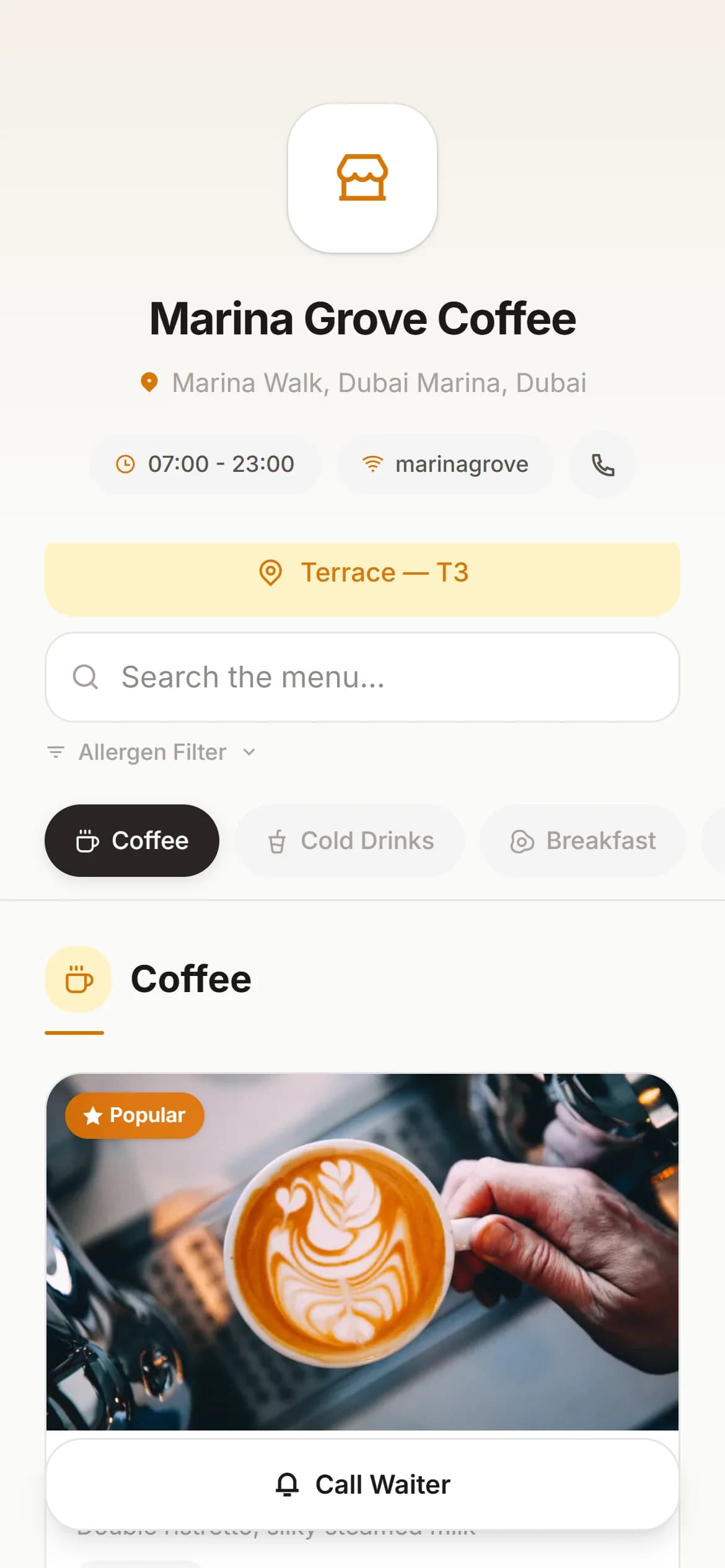
What you get
Everything a menu needs, and nothing you have to pay for
A QR code for every table
Generate them in the panel, print them, stick them on the table. Reprinting is never necessary — the code stays the same when the menu changes.
Up to 500 items, 50 categories
Food, drinks, desserts, specials. That is the whole menu for almost every café we host, several times over.
A photo on every item
Upload once and we resize it for phones. A guest who can see the plate orders the plate.
Change it mid-service
Run out of something? Hide it. The next guest who scans sees the change — nothing to reprint, nothing to reissue.
More than one language
Add translations per item — English, Arabic, Russian and more. Your guests read the menu in their own language.
Allergen filters
Tag what contains nuts, gluten, dairy. A guest hides what they cannot eat instead of asking the waiter twice.
Four steps, about twenty minutes
The long part is typing your menu in. Everything else is a few clicks.
Create your account
Your venue name, an email and a password. No card, no sales call.
Build your menu
Add categories and items, drag them into the order you want, upload photos.
Print your QR codes
One per table, or one for the counter. Download and print on any printer.
Guests scan and read
It opens in the phone's browser. Nothing to download, nothing to install.
Where the free plan stops
It is a menu, not a till
We would rather you knew this before you sign up than after. The free plan shows your menu to guests. It does not take orders, print to the kitchen or add up your day.
Try the full system free for 30 days- Waiters taking orders on their phones
- A kitchen screen, and printed KOTs
- Table plan, moving and merging tables
- Splitting a bill by item or by amount
- Daily sales, per-item sales and Z-reports
- Staff accounts with their own permissions
Questions people actually ask
- Is it really free?
- Yes, and it stays free — this is not a trial that runs out. You can keep a QR menu on Kafe360 for as long as you want without paying anything. We do not ask for a card to create it.
- What is the catch?
- There is no catch, but there is a limit to what the free plan does: it is a menu, not a till. Taking orders on a phone, sending them to the kitchen, splitting bills and reading daily sales are part of the paid plan. Plenty of cafés use only the free menu and never pay us anything.
- Do my guests need an app?
- No. The QR code opens a web page in whatever browser the phone already has. This matters more than it sounds — a guest who is asked to install something usually just asks for the paper menu.
- Can I add my own branding?
- You can set your venue name, logo and colour theme, and choose between several menu layouts.
- What happens if I outgrow 500 items?
- Write to us. In practice almost nobody reaches it — it is roughly five times a typical café menu.
- Can I move up to the full system later?
- Yes, and nothing is retyped. Your menu, photos and categories stay exactly where they are; the waiter, kitchen and reporting features switch on over the top. You get 30 days free to try that.
Put a QR menu on your tables this afternoon
It costs nothing and you can stop using it whenever you like. The only thing you spend is the time it takes to type your menu.